
Client portals
Give customers their own place to sign in.
A public website introduces your business. A client portal gives existing customers a private place to find the information you provide to them.
Planning the portal
Start with the customer’s task
For Valley Fire & Security, that task was signing in and finding client documents.
-
Define access
Work out who needs an account and which information they should be able to see.
-
Map the information
Identify where documents or records come from and who keeps them up to date.
-
Test the workflow
Check the real sign-in, access and document flows before the portal is put into use.
Project example
Try the document experience
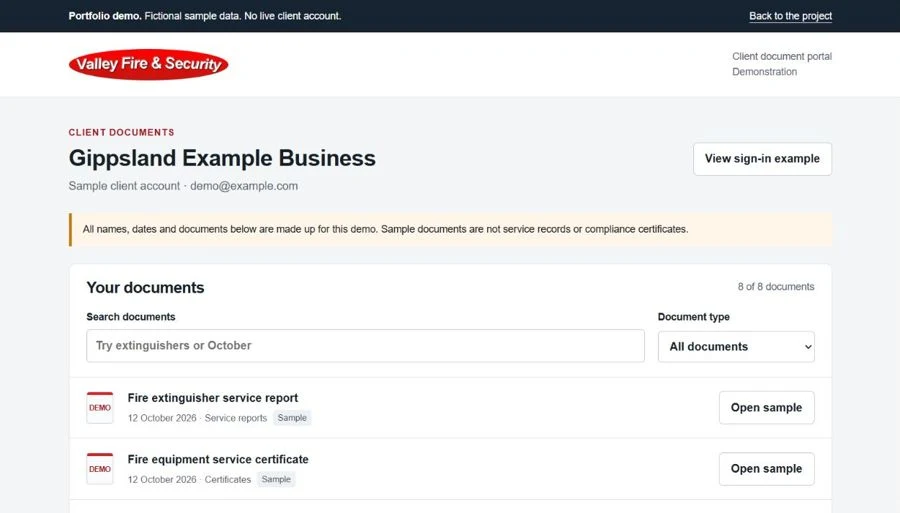
The Valley Fire demonstration uses fictional accounts and sample documents. Explore the search and category filters, then open a sample document.
Open the public portal demoWhat should your clients be able to do?
Portals are quoted separately. We’ll agree on scope, testing, hosting and support.